How Long Does Smoke Last in CS2?

Posted on in CS2
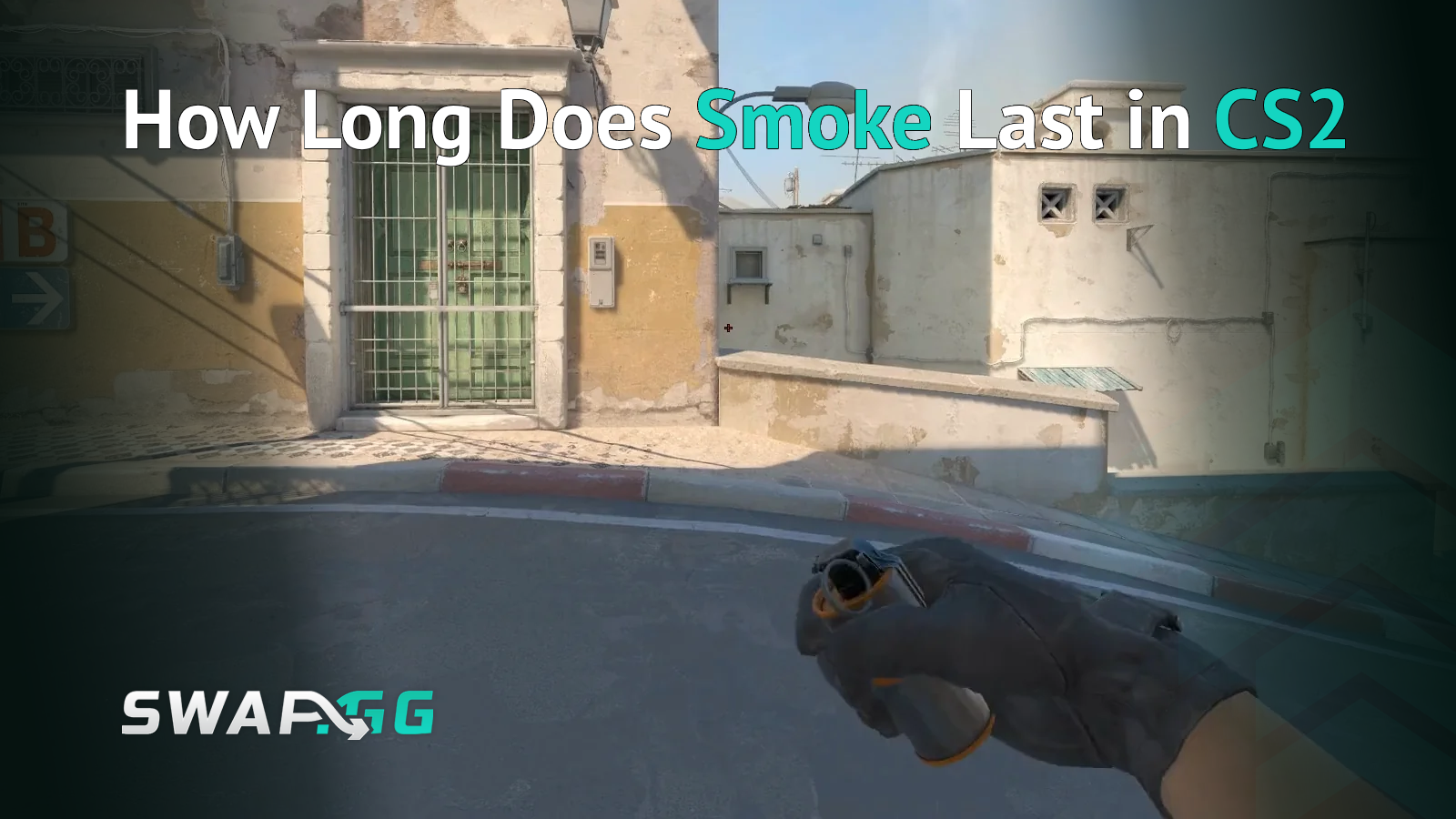
That smoke you just threw on A-site Mirage? You've got exactly 18 seconds of cover before it fades and the AWPer on the balcony sends you back to spawn. Knowing this timing goes beyond trivia because it marks the difference between a clean site take and getting picked through a thinning cloud.
CS2 kept the same 18-second duration from CS:GO, but the volumetric smoke system changed how those seconds actually play out. This guide covers the exact timings you need to know, how the new mechanics affect your utility usage, and why understanding smoke duration gives you an edge in every round.
Exact Smoke Duration in CS2
The smoke grenade creates a smoke screen that lasts for 18 seconds from the moment it detonates on the ground, though this timer doesn't start when you throw the grenade. Instead, it begins after the smoke lands and fully deploys, which takes about a second depending on the throw distance.
Breaking down the timeline:
- 0-1 second: Grenade travels and bounces before detonating
- 1-18 seconds: Full smoke coverage (17 seconds of usable cover)
- Final 2-3 seconds: Smoke begins thinning at the edges
The radar blocking effect lasts approximately 15 seconds, so enemies won't see your position on their minimap while you're inside or behind the smoke during most of its duration. Because this radar block runs shorter than the visual cover, you might show up on enemy minimaps before the smoke fully fades.
How CS2's Volumetric Smokes Changed the Game
Here's where CS2 diverges from CS:GO significantly. The Source 2 engine introduced volumetric 3D smoke objects that interact with the environment instead of just floating as flat particle clouds, and this change affects everything from lineup accuracy to defensive counterplay.
Smokes now fill spaces naturally, which means throwing one in a doorway causes it to flow through the opening and expand on both sides rather than creating a perfect sphere that clips through walls. On maps like Nuke, smoke can fill entire stairwells from top to bottom, and in narrow corridors on Inferno, the smoke crawls around corners if it can't expand in other directions.
Building on this, the shape adapts to geometry in ways that actually benefit players in certain situations. That familiar dome-shaped smoke only appears in open areas now, while confined spaces like B tunnels on Dust2 cause the smoke to spread along the corridor's length instead of forming a ball. This behavior actually provides better coverage in tight chokepoints than the old system ever did.
Perhaps most importantly, everyone sees the same smoke now. The old one-way smoke exploits are mostly dead because volumetric smokes render identically for all players regardless of position or system specs, so what you see is exactly what your opponent sees on their screen.
Interacting With Active Smokes
CS2 added mechanics that let you manipulate smoke before its 18-second timer expires, and these interactions can cut your effective cover time significantly if enemies know how to exploit them.
HE Grenades Clear Smoke Temporarily
Throwing an HE grenade into an active smoke creates a massive gap in the cloud for about 2-3 seconds before it re-expands to fill the space again. The blast radius doesn't clear the entire smoke, but it opens enough visibility to spot and pick anyone hiding behind it.
This mechanic means defenders can counter your smoke executes with a well-placed nade, so if you're holding a smoke-blocked angle on CT side and hear that grenade bounce in, prepare for a fight because your cover is about to disappear momentarily.
Bullets Create Visibility Holes
Shooting through smoke punches small holes in the cloud that briefly expose what's on the other side. The holes close within a second or two, but eagle-eyed players can catch a glimpse of enemy positioning through these temporary gaps.
Because of this mechanic, spraying randomly through smokes has evolved from a desperation play into legitimate intel gathering. However, this works both ways since shooting through smoke also reveals your position to anyone watching from the other side.
Strategic Timing Considerations
Understanding the 18-second window changes how you should approach utility usage and site executes across both sides of the game.
For T-side executes, coordinate your smokes so they land within 2-3 seconds of each other. Staggered smoke timings create awkward gaps where one smoke fades while others remain active, giving defenders windows to pick off your team mid-execute.
For CT-side defense, tracking enemy smoke timings lets you predict when gaps will open. If you see a smoke land at 1:45, you know it fades around 1:27, so time your aggression or rotation accordingly.
For retakes, consider whether the T-side smokes have time remaining before you push. Walking through a 15-second-old smoke is essentially walking into a trap since you'll be exposed before you clear the other side.
For ninja defuses, the 18-second duration gives you enough time for a full 10-second kit defuse with 8 seconds of setup and positioning. Without a kit, you need the smoke to be fresh since a 15-second defuse barely fits within the window.
Practice Commands for Smoke Training
Testing smoke timings on a private server helps internalize the 18-second rhythm, and setting up a practice environment only takes a few console commands.
Enable cheats first with sv_cheats 1, then use these binds:
- Instant smoke removal: bind "KEY" "ent_fire smokegrenade_projectile kill; stopsound" removes active smokes immediately so you can retry lineups without waiting
- Grenade trajectory display: sv_grenade_trajectory_time_spectator 15 shows where your grenades travel for 15 seconds
- Infinite ammo: sv_infinite_ammo 1 lets you practice repeatedly without buying grenades
The grenade camera feature in CS2's practice mode shows exactly where your smoke will land before you throw it, making lineup practice far more efficient than the CS:GO days of trial and error.
Smoke Duration vs Other Utility
Comparing smoke duration to other utility helps with round planning since knowing these timing relationships lets you layer your utility more effectively:
- Molotov/Incendiary: Burns for 7 seconds, meaning smokes outlast fire by 11 seconds
- Flashbang: Blinds for up to 5 seconds at full effect
- Decoy: Plays sounds for 15 seconds before exploding
This timing relationship matters especially because smokes can extinguish molotovs on contact. Throwing a smoke on burning ground kills the fire instantly while maintaining the full 18-second visual block, which is why CTs regularly use this interaction to deny T-side molotov pressure on bomb plants.
Making Those 18 Seconds Count
The 18-second smoke timer hasn't changed from CS:GO, but the volumetric mechanics make each second more tactically interesting than before. Smokes that fill doorways properly, HE grenades that can temporarily clear your cover, and bullet holes that reveal positioning all add layers of counterplay that simply didn't exist in the old engine.
Focus on these takeaways: time your executes so smokes land together, track enemy smoke timings for aggression windows, and remember that your smoke cover can be contested with utility before it naturally fades. The players who internalize these timings gain a concrete advantage in every round where smokes matter, and in CS2, that covers most of them.

Posted on in CS2