CS2 Grenade Guide 2026: Molotov, Flash, Smoke & HE

发布于 在
You buy a smoke for a key window lineup, watch it land three feet off where it needed to, and eat a bullet from an angle that should have been blocked. Every CS2 player has lived this exact round more times than they would like to admit, and the usual fix is alt-tabbing to a YouTube video or a third-party lineup site mid-warmup. Valve added an in-game lineup helper in 2026, and it is a less-discussed feature than it should be, mostly because it is limited by design to specific modes and the opening rounds of a half.
The Five Grenade Types and What Each One Costs
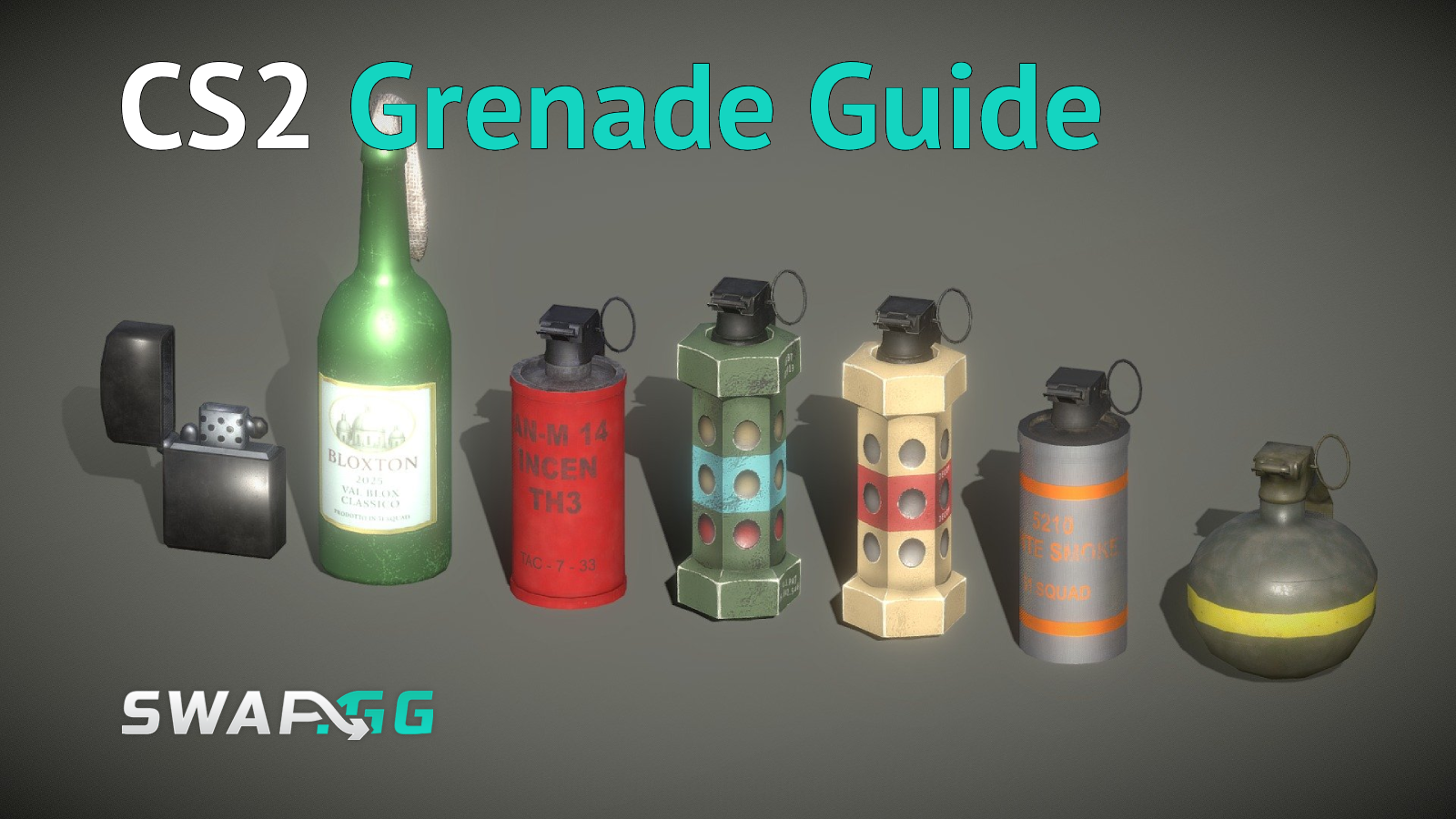
CS2 features five grenade types, each serving a distinct tactical purpose: smoke, flashbang, HE, molotov/incendiary, and decoy. Cost and behavior vary meaningfully between them, and getting the cheap ones wrong is a common way to waste a round's entire utility budget on nothing.
Pricing and carry limits shift occasionally with balance patches, so treat the figures above as the current standard rather than permanently fixed numbers, and double-check the buy menu if something looks different from what you remember. Molotovs and incendiary grenades produce identical fire effects, but CTs pay a premium for the incendiary version, which has different bounce behavior than the Molotov, while a Molotov always detonates exactly where it is thrown.
You can carry up to four grenades total: one smoke, one HE grenade, one molotov or incendiary, and two flashbangs. A decoy shares its slot with the HE grenade, so carrying both at once is not possible.
How Each Grenade Works in Practice
Definition: Every grenade type in CS2 uses one of three throw mechanics. CS2 offers three distinct throw types: left-click for a long throw at maximum distance, right-click for a short underhand lob landing close to you, and both buttons pressed together for a medium-distance throw. Mastering all three is what makes a single lineup usable from multiple positions rather than one fixed spot.
Smoke grenades create the foundation of most coordinated executes. CS2 changed how smokes interact with the rest of the sandbox compared to CS:GO: smoke grenades now respond to HE grenades and bullets, creating temporary gaps in the cloud. A thrown smoke takes a moment to fully form, and for roughly 13 of its 18-second duration it also blocks affected players from appearing on the radar, which matters as much for rotations as it does for vision denial.

Flashbangs are the grenade most likely to be wasted by inexperienced players. In CS2, flashbangs mute sounds and fill the screen with white light, blinding the entire field of vision and darkening HUD elements for affected players who are looking toward the detonation. A pop flash, thrown to explode almost the instant it comes into view, gives enemies essentially no time to turn away, while a deep flash thrown from further back blinds players preparing to peek rather than catching them by surprise.
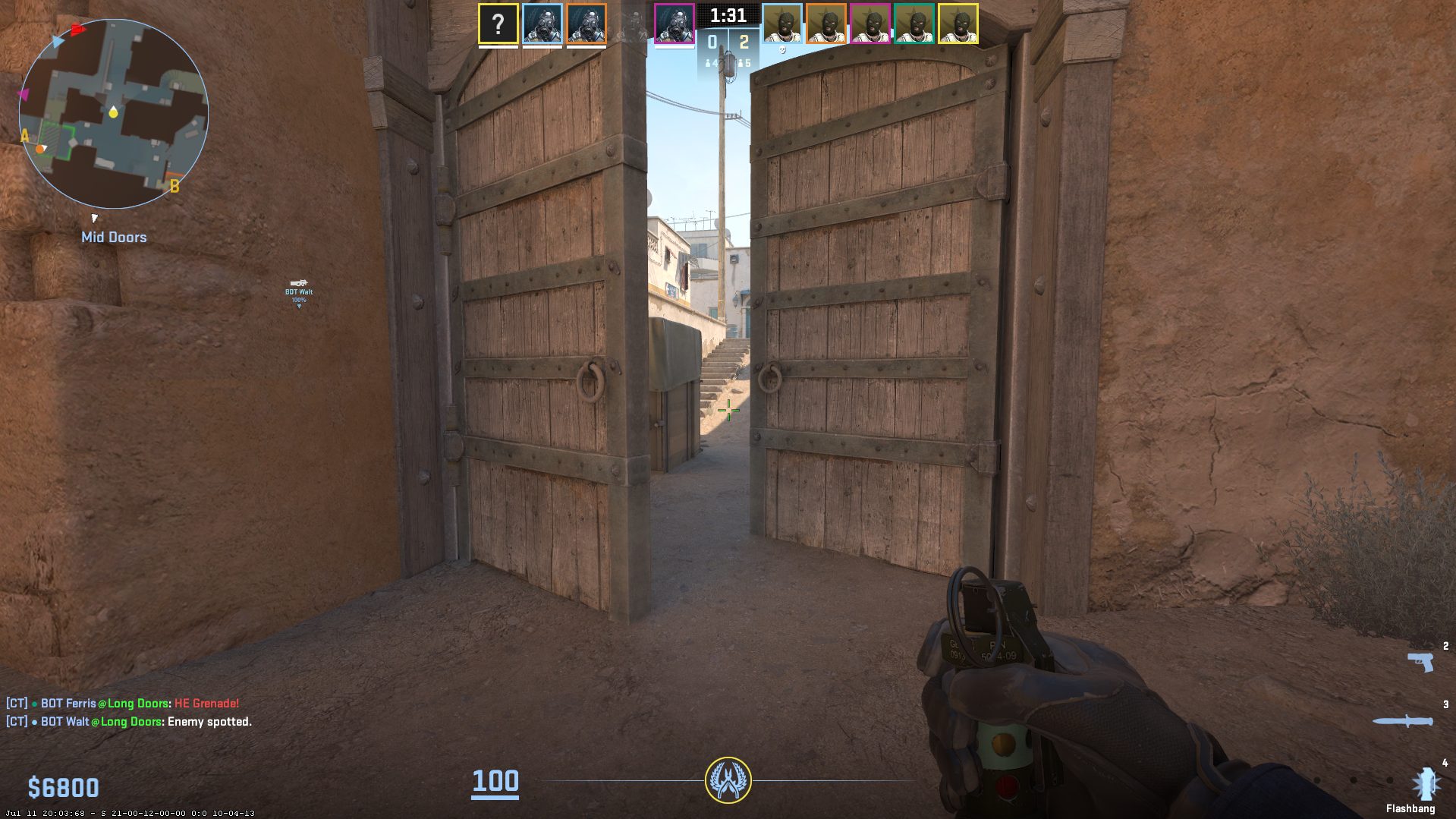
HE grenades got one of CS2's more underrated additions over CS:GO. Exploding HE grenades now make smokes fully disappear for a brief moment, which means a well-timed throw into a smoke cloud can give you genuine information about whether enemies are standing inside it. A single HE grenade rarely kills outright, dealing up to 98 damage to an unarmored target and roughly 57 to an armored one at point-blank range, but coordinated HE stacks against grouped enemies are capable of eliminating full-health, armored players.
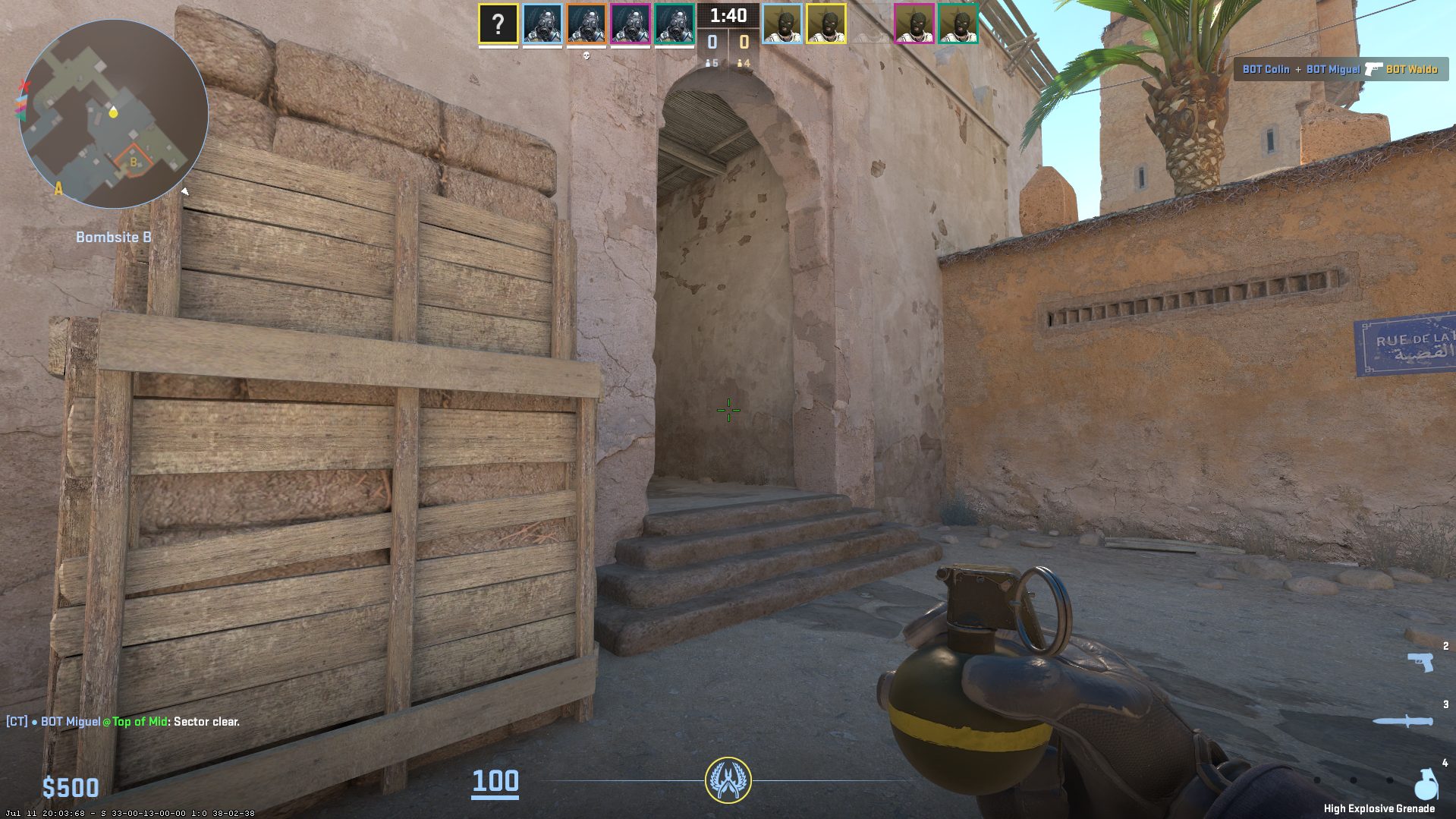
Molotovs and incendiary grenades are area-denial tools first and damage tools second. Both detonate two seconds after being thrown, with the Molotov variant landing exactly where thrown, and burn for just over 7 seconds. Fire damage starts relatively low and increases the longer a player remains in the flames, dealing up to 40 damage per second near the end of the burn. Multiple molotovs thrown into the same area stack their damage simultaneously rather than resetting the timer.
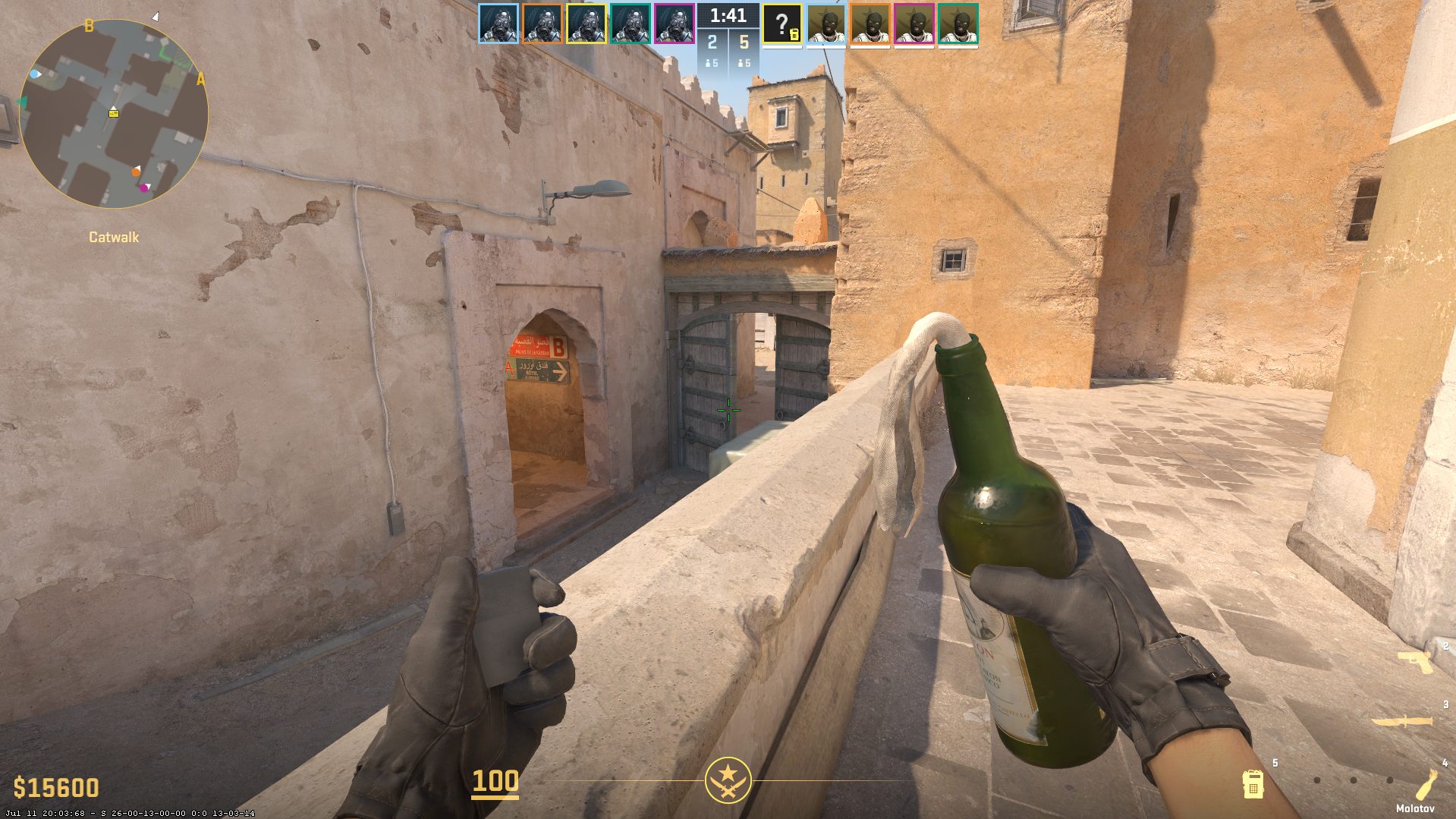
A January 27, 2026 patch addressed a reliability issue with this grenade type. Per the patch note, Molotov and incendiary grenades that bounce off an enemy player have a one-time fuse extension added to prevent them from air-bursting when their has-never-hit-the-world timer elapses. In practical terms, this reduced awkward mid-air detonations that could previously happen when a grenade clipped an enemy's body mid-throw, and the fix has a real effect on close-range executes and post-plant denial, where bodies are likely to collide near a chokepoint.
Decoy grenades remain the cheapest and most overlooked utility piece in the game. A decoy stays in its location while pulsing and showing up as a teammate on the enemy radar, and although it deals no real damage, it can convincingly simulate an approaching push when used at the right moment. A single player can fake a full site execute using one smoke, one flash, and one decoy, holding the other team's attention while the rest of the team commits elsewhere.
How Smoke Interacts With Fire
A smoke grenade thrown directly onto a burning Molotov or incendiary extinguishes it, which is useful for clearing a path through fire your own team needs to cross but disastrous if it happens to a Molotov you intentionally placed to deny a chokepoint. Throwing a careless smoke near your own team's fire is one of the more common ways players accidentally undo their own utility mid-round, and it is worth double-checking sightlines before committing to a smoke near an active flame.
In-Game Map Guides: A Less-Discussed 2026 Feature
Map Guides are an in-game overlay that displays utility lineup markers in Competitive and Retakes matches, available only during the first 5 rounds of each half. Each marker shows a position to stand and an aim point, so you can throw a specific grenade and have it land exactly where intended, without alt-tabbing to a video or external site. This feature is limited by design to specific modes and the opening rounds, not a universal practice overlay available everywhere.
You activate it by pressing Escape during the first 5 rounds of a half, where you can select either Valve's official starter guides or any community Workshop guide you have subscribed to. After those opening rounds, the markers disappear and you are relying on memory for the rest of the half, which appears to be Valve's deliberate compromise between making lineups more accessible and preserving the skill gap that comes from actually learning them.
Valve ships basic starter guides covering fundamental smokes and flashes across the Active Duty map pool, intentionally kept simple for newer players. The deeper value sits in community-created Workshop guides, which go further with advanced one-way smokes, pop flashes, and creative molotov spots that mirror what professional players actually use. Subscribing to a few solid community guides before your next session costs nothing and adds real lineups directly into your in-game menu rather than a browser tab you have to switch to mid-match.
In our view, this makes Map Guides a more relevant learning tool for many players than static external sites, precisely because it surfaces help inside the moments you are actually playing rather than requiring a separate browsing session beforehand. Treat the 5-round window as a practice rep, not a crutch: standing on the marker once is how you learn the position, but committing it to memory before round 6 is what actually makes it useful for the rest of the half.
Practicing Lineups Offline
For deeper practice beyond the in-match window, the offline console setup remains the standard approach, and it is a genuinely different toolset from Map Guides rather than an overlapping one. Starting a local practice server and entering sv_cheats 1 unlocks the commands needed for serious lineup work: sv_grenade_trajectory 1 displays the grenade's flight path, sv_grenade_trajectory_time 10 keeps that path visible for 10 seconds, and sv_showimpacts 1 marks exactly where it lands. A separate, newer feature, the picture-in-picture preview enabled with sv_grenade_trajectory_prac_pipreview 1, opens a small camera window showing exactly where a grenade will land while you are holding the pin, which is a distinct tool from the classic trajectory line rather than another name for the same thing.
A bind for sv_rethrow_last_grenade lets you instantly repeat your last throw without walking back to retrieve position, which speeds up repetition dramatically during a focused practice session. A jump throw bind, alias "+jumpthrow" "+jump;-attack" paired with alias "-jumpthrow" "-jump" and bound to a key of your choice, lets you throw a grenade and jump simultaneously for the consistent timing that many long-range lineups require. CS2 also includes a native jump throw toggle in the settings menu for players who prefer not to manage a custom bind.
A focused offline session works best with a narrow scope: pick 3-5 essential lineups per map, the smokes and flashes you will actually use most often on the sites you play, and master those before adding anything more exotic. Fifteen minutes of deliberate lineup practice before queuing tends to outperform an hour of unfocused deathmatch when the goal is specifically utility consistency.
Common Utility Mistakes
Wasting all your utility early in a round is one of the most consistent errors across skill levels, leaving nothing for the moments later in the round where it would have mattered more. Saving at least one piece of utility, typically a flash, for retakes or late-round situations is a habit worth building deliberately rather than hoping it happens naturally.
Throwing grenades from the open rather than from cover gives away your position before the utility has even landed, turning a tactical advantage into a free read for the enemy team. Mismanaging utility economy on eco rounds, buying grenades you cannot reasonably use before the round's outcome is already decided, is a smaller but real leak that adds up over a full match.
FAQ
How many grenades can you carry in CS2? Four total: one smoke grenade, one HE grenade, one molotov or incendiary grenade, and two flashbangs. A decoy grenade shares its slot with the HE grenade, so you cannot carry both at the same time.
Why is the CT incendiary grenade more expensive than the T-side molotov? The incendiary grenade has different bounce behavior than the Molotov, giving CTs more flexibility in how it lands, while a molotov always detonates exactly where it is thrown. That added flexibility is reflected in the higher price, which typically runs $100-200 above the molotov's $400.
What is the Map Guides feature in CS2? Map Guides is an in-game overlay that shows utility lineup markers in Competitive and Retakes matches, available only during the first 5 rounds of each half. It displays where to stand and aim for specific grenade throws and disappears after that window by design.
Can a smoke grenade put out a molotov in CS2? Yes. Throwing a smoke grenade directly onto a burning molotov or incendiary extinguishes it. This is useful for clearing a path your team needs to cross, but it can also accidentally undo a molotov you intentionally placed for area denial if you are not careful about your own team's sightlines.
What did the January 2026 Molotov patch actually change? Per the official patch note, molotov and incendiary grenades that bounce off an enemy player now receive a one-time fuse extension to prevent them from air-bursting when their internal timer runs out before hitting the ground. In practical terms, this reduced awkward mid-air detonations in close-range utility fights.

发布于 在