Two CS2 Trade Locks Exist and Only One Can Be Reversed

Geplaatst op in CS2
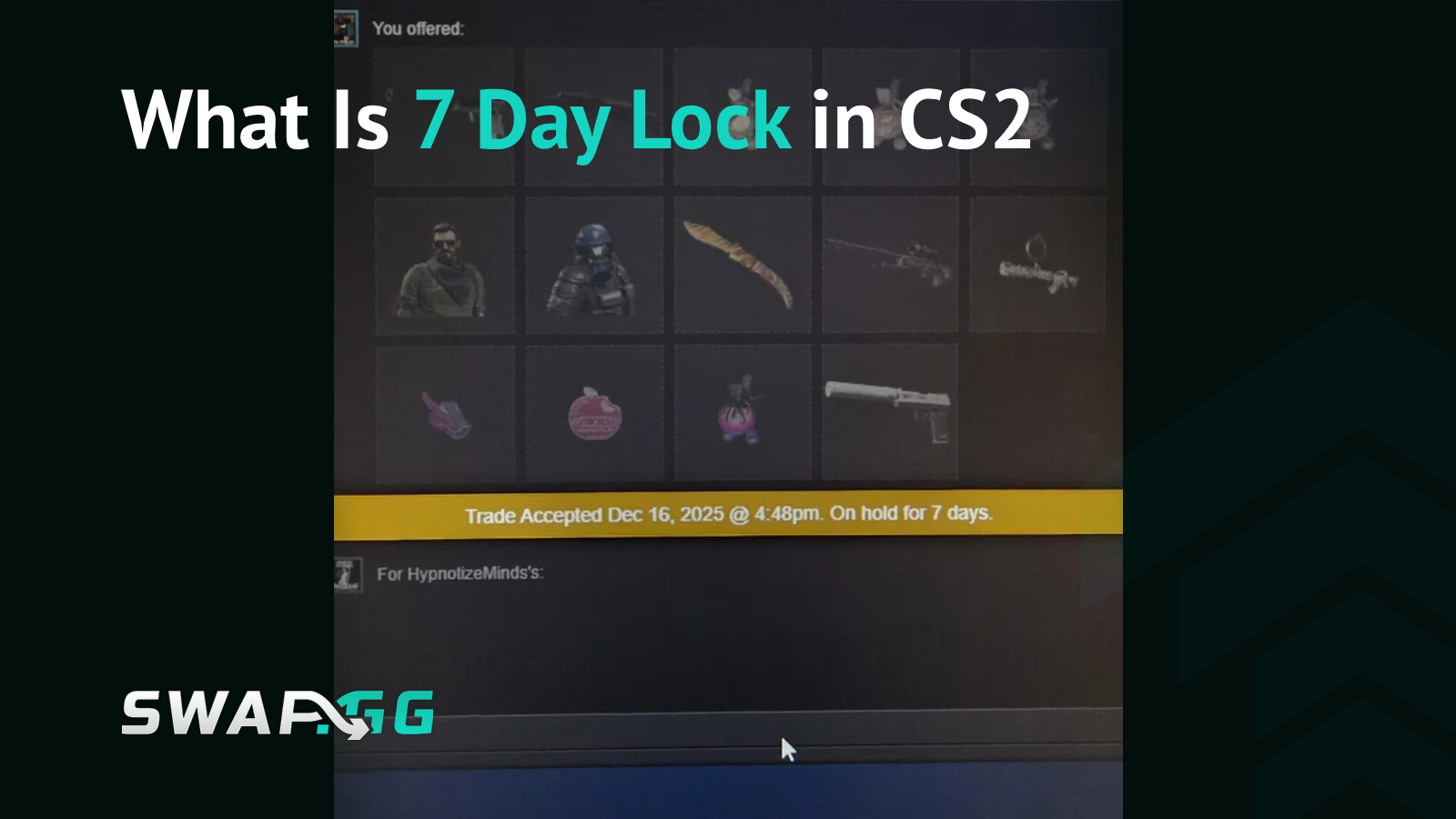
A skin that arrives through a player trade lands in your inventory straight away and goes into your loadout in the next match, and for the following week it’s frozen in ways most players never see coming. Buy the same skin on the Steam Community Market and it’s frozen too, under a different system, with a different set of consequences. Where the skin came from decides which set of rules applies to you, and the CS2 7-day trade lock is two sets wearing one name. Get them mixed up and you’ll plan a flip around a mechanic that was never going to apply.
Two Locks, Two Different Rules
Steam has applied item-level cooldowns to CS2 items for years before they can move again. In July 2025 Valve added a second layer called Trade Protection, built specifically for player-to-player trades, and most of the confusion traces back to that overlap.
A market purchase sits frozen for roughly seven days and then it’s yours outright. A traded skin sits frozen and carries a reversal risk on top, because the sender keeps the ability to pull it back if their account turns out to have been compromised.
Definition: Trade Protection is Valve’s July 2025 security feature giving the sender of a CS2 trade a seven-day window to reverse eligible trades after an account hijack. The recipient can use the item in-game immediately but cannot trade, sell, modify, or transfer it until the window closes.
What a Protected Item Blocks
Anything that changes the skin or moves it somewhere else stays blocked until the timer clears, because a reversed trade has to hand back exactly what left.
Stickers, charms, and name tags all run into that wall. You can’t apply them to a protected skin and you can’t scrape existing ones off. Opening a traded case or capsule fails for the same reason, since consuming a container can’t be undone once it happens.

Ten Mil-Spec skins land in your inventory from trades and then sit there as dead weight for a week, even when the trade-up contract is otherwise fully stocked. Storage Units reject protected items outright. Steam also refuses to bundle them with unprotected items inside a single trade offer.
You can equip the item and play with it, and that’s about all the freedom you get for seven days.
Reversing a Trade, and What It Costs
Valve built reversal as an emergency recovery mechanism for a hijacked account rather than a buyer’s remorse button. The owner reverses eligible protected trades through Steam’s Trade History controls, and a reversal sweeps every qualifying protected trade from the prior seven days instead of the single transaction you had in mind.

Whoever triggers it picks up a 30-day restriction on trading and Steam Community Market activity. The partner who received the items walks away clean. Steam Support cannot lift that 30-day cooldown once it lands. There’s no changing your mind halfway through.
Buying to Resell: Market or Player Trade
Buying from a stranger with a resale in mind sends you to the market route, and buying from someone you trust because you want the skin in your loadout sends you to the player trade. The two options trade off against each other in a way that only shows up once you try to sell.
A Community Market purchase carries no reversal risk, since no sender exists who can reach back for it. What it does carry is a hard block on onward movement, so you can’t trade it to a friend, can’t sell it on a third-party platform, and can’t relist it on the market until the cooldown ends.
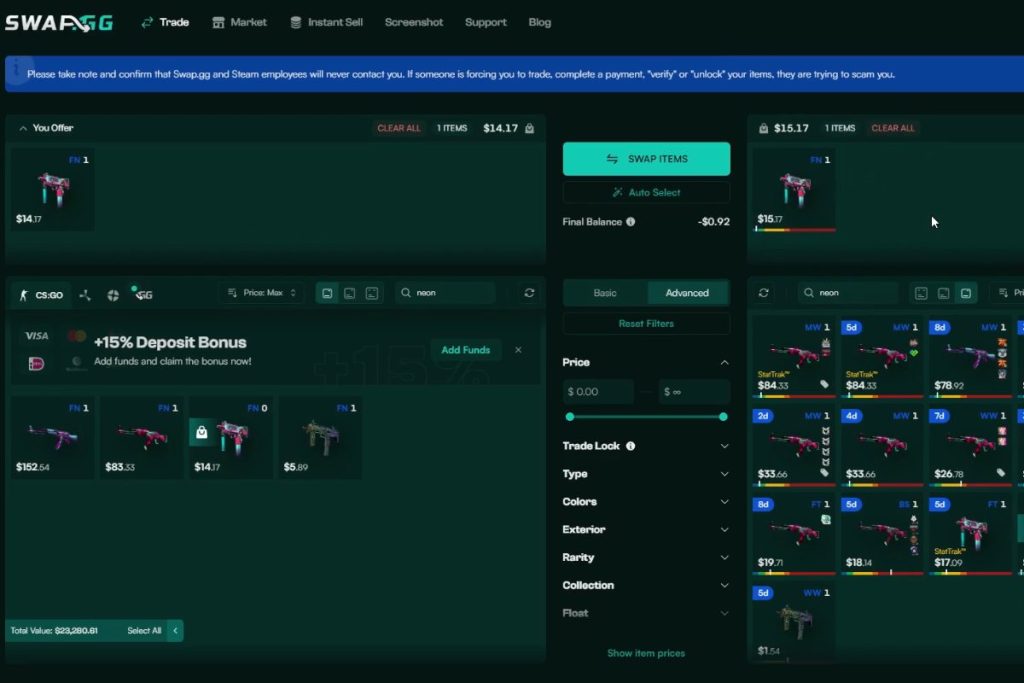
A player trade inverts that. The item becomes freely tradable the moment seven days pass, and throughout those seven days the sender holds an option a market seller never had.
The June 2026 Timing Change
Valve quietly changed how the countdown runs for Steam Community Market purchases in June 2026. Thousands of items used to unlock at one fixed moment each day under the old system, and traders positioned around the predictable supply waves that created.
Items now unlock 168 hours after entering your inventory, measured to the minute. Buy a skin at 10:57 AM and it becomes tradable at 10:57 AM seven days later.
The reported change affected Community Market purchases. Direct player-to-player trades stayed under Trade Protection’s separate rules, so read the individual expiry timestamp Steam shows on the item rather than assuming a shared daily unlock. Casual buyers lose nothing but a familiar release time, while anyone moving hundreds of items now tracks timestamps one by one.
When Steam Shows a Longer Hold
A seven-day item restriction isn’t the only timer Steam runs. Changes to Steam Guard Mobile Authenticator status, account recovery, password changes, and certain device-security events can all trigger longer trade or market holds.
Those account-security holds come from a separate system than CS2 Trade Protection. Remove your authenticator, switch phones without using Steam’s official transfer process, or sign in from an unfamiliar device, and Steam may place a temporary hold touching every trade you send rather than one item.
Before you assume a skin carries a fifteen-day lock, read the message and expiry time Steam displays, because the restriction notice names what triggered it and when it lifts.
What Third-Party Platforms Can and Cannot Do
No marketplace, bot, or trading site removes a Steam item restriction or clears Trade Protection status. Several offer early payment, internal balance arrangements, or platform-specific workarounds that shift who carries the cash-flow risk, and none of them make the item transferable on Steam before the timer expires.
Early Payout on Sales
RapidSkins runs an Instant Cash feature paying sellers before the hold expires. You add skins to a sell cart, pick a payout method, and the money arrives while the items sit locked. The remaining balance releases once the hold ends, so the platform is fronting you cash and absorbing the risk that the trade gets reversed underneath it.
Virtual Inventory Systems
CS.MONEY runs a virtual inventory letting users move freshly acquired skins between each other internally without waiting out the Steam cooldown. On Steam the skins stay locked the whole time. On the platform’s own ledger they change hands freely until the lock expires and withdrawal opens up, and CS.MONEY carries that exposure instead of you.
Bot-Based Marketplace Trading
Sell on a bot platform like Swap.gg or Buff163 and the trade goes to a bot, with the hold landing on the platform’s side. You get paid on the platform’s terms rather than Steam’s timer, though the bot still can’t re-trade the item until the lock clears. The hold doesn’t disappear, it just moves onto someone else’s books.
What None of Them Change
Treat any offer of instant cash for a locked item as a separate commercial arrangement rather than a route around Valve’s rules. Check the platform’s current terms, fees, withdrawal conditions, and regional availability before you commit, because the counterparty risk sits with you until the Steam timer expires.
FAQ
What does the CS2 7-day trade lock actually block?
On a Trade Protected item received through a player trade: transfer, Steam Market listing, third-party sale, storage movement, consumption, modification, sticker and charm changes, case opening, and trade-up use. Equipping it and playing with it stays available throughout.
Can I trade a skin I bought from the Steam Market immediately?
No. A Community Market purchase can’t be traded, moved to a third-party marketplace, or relisted until its seven-day cooldown ends. Since June 2026 that expiry ties to your exact purchase time rather than a shared daily release.
Is there a way to bypass the 7-day trade lock?
None that Valve recognizes, and Steam Support won’t lift it. Third-party platforms sell you a different payout schedule through features like Instant Cash, and the item stays locked on Steam for the full seven days regardless.
What happens if I reverse a trade during the protection window?
Every protected trade from the previous seven days reverses at once, and your account takes a 30-day trade and market cooldown. Your trade partner is unaffected, and Steam Support can’t remove the cooldown afterwards.
Why do some items show a 15-day hold instead of 7?
That usually points to an account-security restriction rather than the normal item cooldown, often following a Steam Guard Mobile Authenticator change. Read the exact restriction notice in Steam, since the cause, scope, and expiry all differ from a standard trade lock.

Geplaatst op in CS2