Can CS2 Run on Integrated Graphics?

Опубліковано у CS2
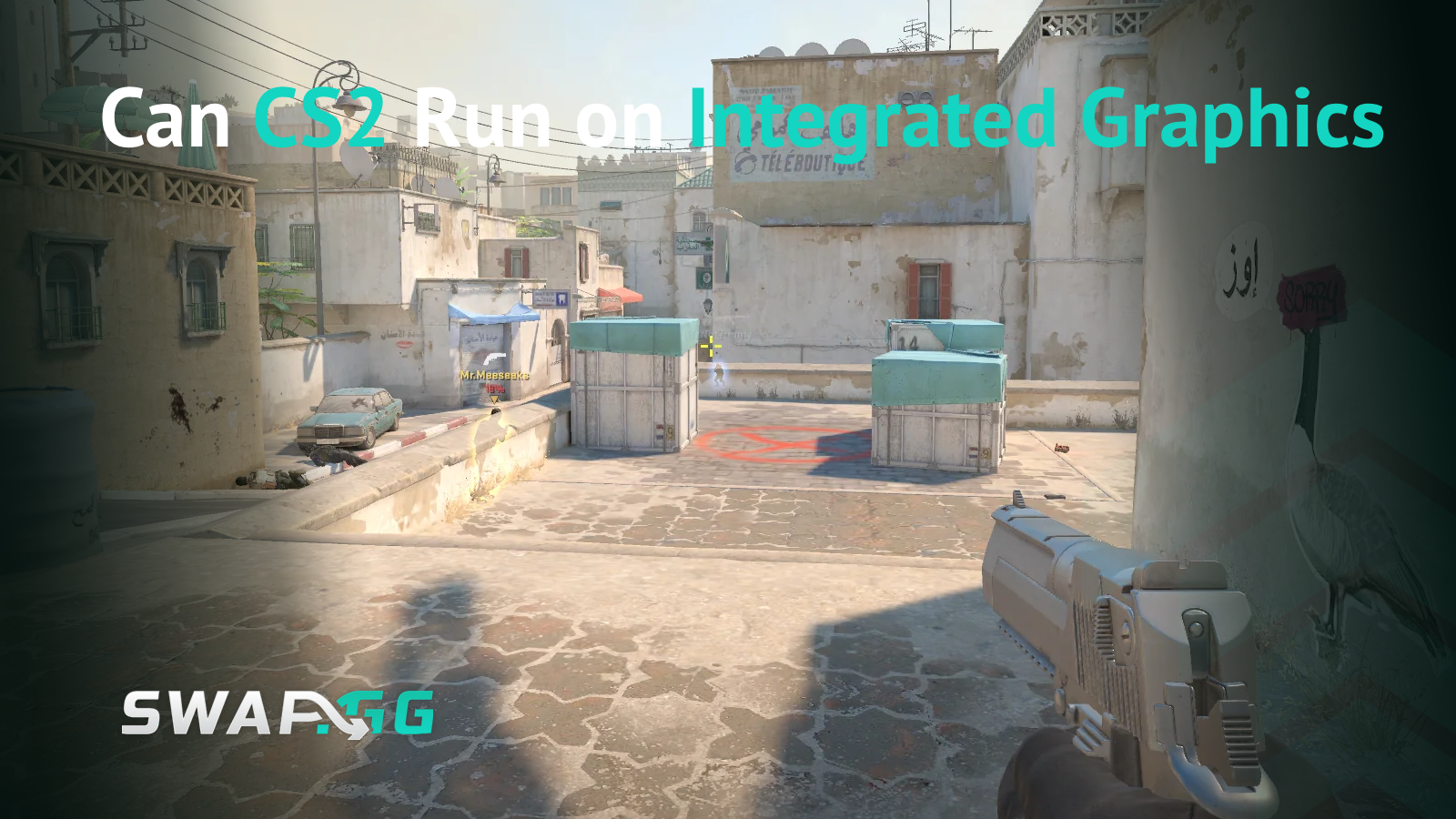
Counter-Strike 2 technically runs on integrated graphics, but the experience varies dramatically depending on your hardware. The official minimum requirement lists 1GB VRAM with DirectX 11 and Shader Model 5.0 support, which most modern integrated GPUs meet on paper. The reality is more nuanced than those baseline specs suggest.
The Short Answer: Yes, But Expect Compromises
CS2 will launch and run on modern integrated graphics from both Intel and AMD. However, you're looking at significant graphical sacrifices and lower frame rates compared to dedicated GPUs. Intel UHD Graphics 770 achieves roughly 70-90 FPS at 720p on low settings, which represents one of the better outcomes for integrated solutions. Older or weaker integrated GPUs struggle considerably more.
The jump from CS:GO to CS2 brought substantial graphical improvements through the Source 2 engine, including better lighting, smoke physics, and visual effects. These enhancements come at a cost. Where CS:GO could run smoothly on nearly anything with a CPU, CS2 demands more from your graphics hardware. CS:GO was extremely CPU-bound on an older engine, but CS2 requires both a decent CPU and GPU working together.
Performance Expectations by Integrated GPU
Real-world performance data shows clear distinctions between different integrated graphics solutions.
Intel UHD Graphics 770
This represents Intel's current-generation integrated graphics as of 2025. You can expect mid-50s FPS at 1080p and 70+ FPS at 720p with settings dialed down. This makes casual and semi-competitive play viable, though you won't be competing at the highest levels.
Intel Iris Xe
Performance with Iris Xe varies considerably. Users report around 40 FPS with frequent freezes and drops to 5-20 FPS on processors like the i5-1135G7. The experience improves after BIOS updates and optimization, but stability remains a concern.
Intel UHD Graphics 630
Older generation Intel integrated graphics struggle more significantly. An i3-7100u with Intel HD 630 manages approximately 60 FPS at 720p in a 4:3 aspect ratio with all settings minimized. This sits at the edge of playability.

AMD Radeon Vega Graphics
AMD's Vega integrated graphics show mixed results. Community discussions suggest that a Ryzen 7 5700U with Vega 8 graphics in dual-channel RAM configuration should achieve at least 60 FPS on low settings, potentially reaching 60-100 FPS. However, users with Ryzen 5 3500U Vega graphics report only 10-20 FPS maximum on minimum quality, showing how processor generation and RAM configuration dramatically affect performance.

Critical Optimization Requirements
If you're running CS2 on integrated graphics, certain optimizations shift from optional to mandatory.
Dual-channel RAM configuration becomes essential. Running single-stick RAM can reduce performance by 40-50%. Integrated GPUs share system memory, so RAM speed and configuration directly impact graphics performance. If your system uses one 8GB stick, adding a second matching stick will substantially improve frame rates.
Close all background applications before launching CS2. Integrated graphics already operate at capacity, and any competing processes further degrade performance. Disable unnecessary startup programs, close browsers, and shut down communication apps like Discord if frame rate matters more than voice chat.
Lower your resolution and graphics settings aggressively. Start at 720p with all settings on low. Disable shadows entirely, minimize texture detail, and turn off anti-aliasing. Setting CS2 to Performance Mode by removing shadows and disabling anti-aliasing helps maximize frame rates. Some players report better results with 4:3 aspect ratios at reduced resolutions like 640x480 or 800x600.
Cap your frame rate at your monitor's refresh rate to reduce input lag and eliminate screen tearing. If your monitor runs at 60Hz, capping FPS at 60 prevents wasted processing on frames you can't see anyway.
Update your graphics drivers. Both Intel and AMD release regular driver updates that can improve game performance. Check your manufacturer's website directly rather than relying on Windows Update, which often lags behind the latest releases.
Ensure your laptop stays plugged in during gameplay. Power-saving modes on battery severely throttle integrated graphics performance. Windows power settings should be set to "High Performance" or "Best Performance" when gaming.
The Competitive Gaming Reality
Frame rate matters in competitive shooters. While 30-40 FPS makes the game technically playable, you face a meaningful disadvantage against opponents running 100+ FPS. Reaction time, accurate tracking, and smooth peeking all suffer at lower frame rates.
Players can reach high ranks even with 30-40 FPS, but they face massive disadvantages and frequent deaths from stuttering. If your goal is casual play or learning maps and mechanics, integrated graphics work fine. For serious competitive climbing, you'll constantly fight your hardware alongside your opponents.
Consider also that CS2 continues receiving updates that may further impact performance. The game launched with optimization issues that have improved over time, but future content additions could increase system demands.
When Integrated Graphics Make Sense
Integrated graphics serve specific use cases well. If you're traveling with a lightweight laptop and want to practice aim or play casually, modern integrated solutions handle that. Students who need laptops for coursework but occasionally play CS2 can make it work with proper optimization.
However, integrated graphics represent a temporary solution rather than a long-term gaming setup. AMD's 8000G series processors with IGPU performance comparable to Nvidia GTX 1060 require at least 6000MHz RAM for best results, and even that falls short of current mid-range dedicated GPUs.

Alternatives Worth Considering
If CS2 performance on integrated graphics disappoints you, several options exist before committing to a full system upgrade.
Used dedicated graphics cards from 2018-2021 offer significant improvements at reasonable prices. Cards like the RX 560 or GTX 1050 can achieve 144 FPS at 1080p, transforming the experience. The used market currently offers strong value as people upgrade to newer models.
External GPU enclosures work for some laptops with Thunderbolt 3 or 4 ports, though they add cost and complexity. This option makes more sense if you already own a laptop you otherwise like and want to keep using it.
Desktop PCs with entry-level dedicated GPUs cost less than gaming laptops with comparable performance. A desktop build can achieve 200 FPS easily at a similar price point to a laptop. The trade-off is portability, but gaming performance per dollar strongly favors desktops.
Final Verdict
Counter-Strike 2 runs on integrated graphics, but "runs" covers a wide spectrum of experiences. Modern integrated solutions like Intel UHD 770 or AMD Vega graphics with properly configured dual-channel RAM deliver playable frame rates at reduced settings and resolutions. Older integrated graphics struggle to maintain even 60 FPS consistently.
The Source 2 engine demands more from graphics hardware than CS:GO did. This shift leaves integrated graphics users making significant compromises in visual quality and frame rate. You can learn the game, practice mechanics, and play casually on integrated graphics. Competitive play remains possible but challenging, with hardware limitations creating genuine disadvantages in firefights.
If CS2 is your primary game and competitive performance matters, budget for dedicated graphics hardware. If you need a laptop for other purposes and want occasional CS2 sessions, modern integrated graphics provide an acceptable compromise with proper optimization.

Опубліковано у CS2