How to Reset Round in CS2: Console Commands That Actually Work

tarihinde, CS2 kategorisinde yayınlandı
You whiffed the smoke. Again. Your teammate's laughing, the lineup video is paused on your second monitor, and you just want to reset without sitting through the round timer or reloading the entire map. Believe us, we've all been there.
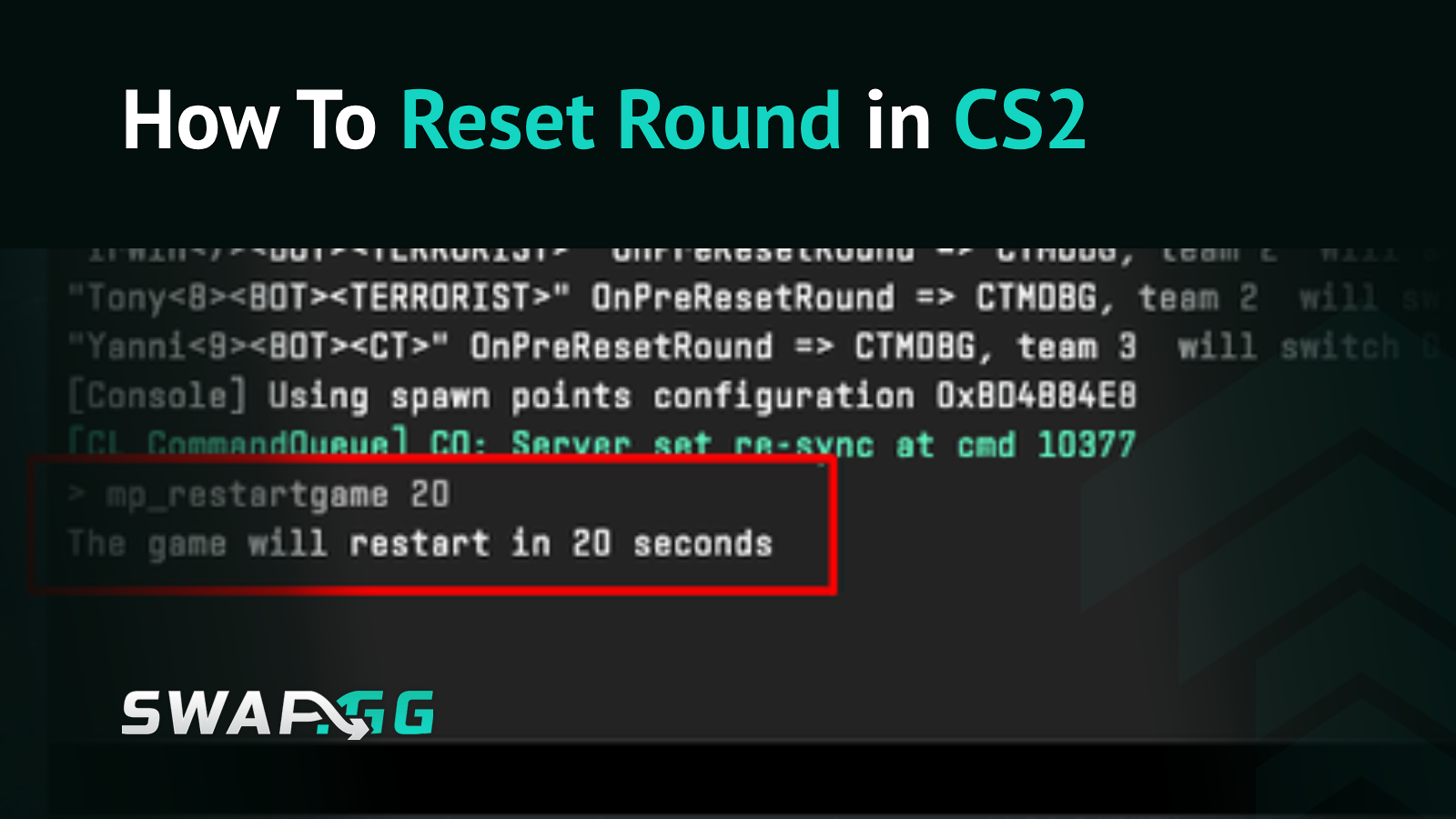
The command you need is mp_restartgame 1, and it'll reset everything in one second flat. But depending on what you're actually trying to do—solo practice, 5-stack scrims, or recovering from someone's PC crashing mid-round—there are a few different approaches worth knowing.
The Basic Reset: mp_restartgame
First things first: make sure your console is enabled. Hit Settings, go to Game, and flip "Enable Developer Console" to Yes. You'd be surprised how many people skip this and wonder why nothing works.
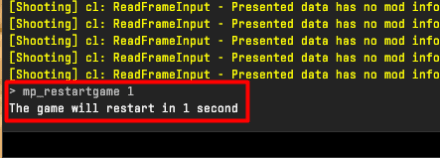
Once that's sorted, press tilde (~) to open console and type:
mp_restartgame 1
That "1" is your countdown in seconds. Set it higher if you want to give everyone a heads up—mp_restartgame 5 works well when your squad needs a moment to alt-tab back in. You can go up to 60 if you're feeling generous, or slam it at 0 for instant resets.
One catch: this only works on private servers and practice modes where you're the host. Valve isn't about to let randoms reset rounds in competitive. Imagine the tilt.
Bind It and Forget It
If you're grinding lineups or running the same strat over and over, typing the command every time gets annoying real quick. Just bind it:
bind K "mp_restartgame 1"
Swap "K" for whatever key makes sense to you. Now one press resets everything, which is clutch when you're throwing the same smoke fifty times trying to nail that pixel-perfect lineup on Mirage window.
Want it permanent? Toss the bind into your autoexec.cfg so it loads every time you boot up. Your config folder lives at C:\Program Files (x86)\Steam\steamapps\common\Counter-Strike Global Offensive\game\csgo\cfg if you haven't messed with it.
Restart vs. Restore: Know the Difference
Here's where it gets spicy. The mp_restartgame command does a hard reset—fresh round, starting money, everyone back at spawn. Perfect for practice, but what if you need to go back to a specific moment? Like when your buddy DC'd right as you were about to clutch in a scrim?
CS2 automatically creates round backups, and you can actually restore them. This is what the pros use when technical issues hit during matches.
Check what backups exist:
mp_backup_restore_list_files
See the most recent one:
mp_backup_round_file_last
Load a specific backup:
mp_backup_restore_load_file [filename.txt]
The game literally rewinds to that exact state—positions, health, utility, everything. It's overkill for casual practice but absolutely clutch for scrims and private tournaments.
The Full Practice Config
Resetting rounds is just one piece of a good practice setup. Here's the config most people run when they're serious about drilling:
sv_cheats 1
bot_kick
mp_warmup_end
mp_limitteams 0
mp_autoteambalance 0
mp_maxmoney 60000
mp_startmoney 60000
mp_buytime 9999
mp_buy_anywhere 1
mp_freezetime 0
mp_roundtime 60
mp_roundtime_defuse 60
mp_respawn_on_death_ct 1
mp_respawn_on_death_t 1
sv_infinite_ammo 1
sv_grenade_trajectory_prac_pipreview 1
ammo_grenade_limit_total 5
mp_restartgame 1
You can paste this whole block into console with semicolons between commands, or save it as practice.cfg and run exec practice.cfg when you load in. The mp_restartgame 1 at the end makes everything take effect with a clean slate.
That grenade trajectory preview command alone is worth memorizing—seeing exactly where your nades land makes learning lineups way less painful.
The Other Reset: endround
There's another command floating around: endround. Unlike mp_restartgame, this one just ends the current round without touching money or loadouts. Scores stay the same, economy stays the same, you just skip to the next round.
Useful when you're testing something specific and need to advance without nuking everyone's cash. It does require sv_cheats 1 though, while mp_restartgame works without cheats as long as you're hosting.
When Nothing Works
Commands not doing anything? Run through this checklist:
- Console actually enabled? Double-check Settings > Game
- Are you the host? These commands need admin privileges
- Server allowing mp commands? Some community servers lock these down
If you're on someone else's server without admin rights, you're out of luck. Ask whoever's running it to handle the reset, or just accept your fate.
Quick Reference
For 90% of situations, mp_restartgame 1 is all you need. Bind it, use it, stop wasting time between practice attempts. Your smoke lineups aren't going to learn themselves.

tarihinde, CS2 kategorisinde yayınlandı