Can You Play CS2 on Steam Deck?

发布于 在 CS2
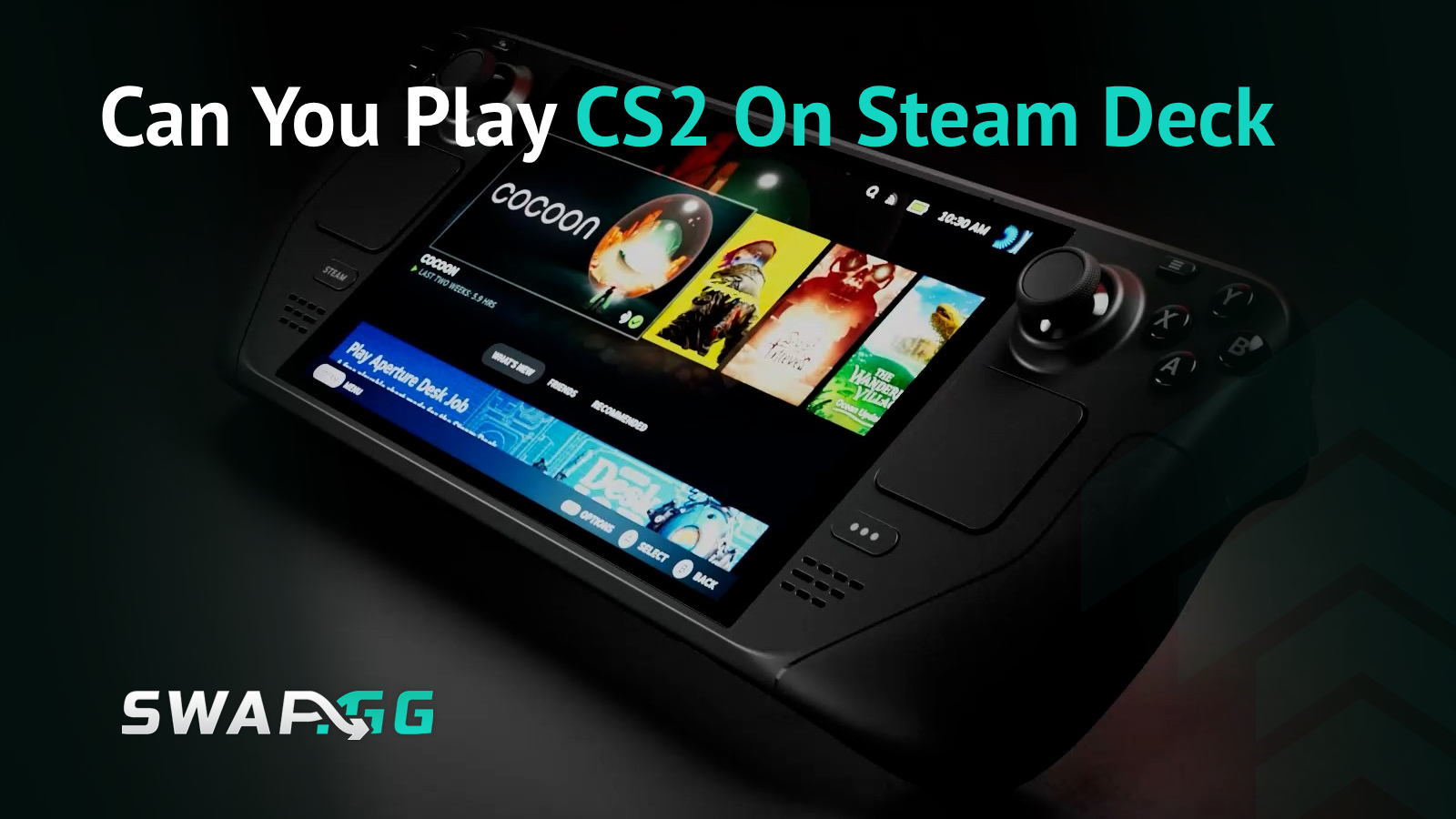
CS2 carries a "Playable" rating from Valve on Steam Deck, which sounds promising until you load into your first match and reality hits. The game launches, sure, but calling it "playable" is doing some heavy lifting.
If you're wondering whether your Steam Deck can handle Counter-Strike 2 on the go, the short answer is yes, but with some serious caveats. We're talking frame rate drops that'll get you killed, controller issues that make precision aiming a nightmare, and battery life that'll die faster than you in a 1v5 clutch. This guide covers the actual performance you can expect, optimal settings to squeeze out every frame, whether competitive play is even viable, and the workarounds that might make the experience tolerable.
Steam Deck Compatibility: The Reality
Valve rates CS2 as "Playable" rather than "Verified" because some in-game text is too small to read on the 1280x800 screen. That's the official story, but the actual issues go deeper than text legibility.
The controller problem: CS2 has no controller support, which means you're stuck trying to play a precision shooter with trackpads and gyro controls or connecting external peripherals. Counter-Strike has always been built around mouse and keyboard input, and CS2 doesn't break from that tradition. The Steam Deck's controls can technically work through Steam Input mapping, but you're fighting against the game's design rather than working with it.
Storage requirements: CS2 requires 85GB of disk space, which eats up a significant portion of the base 64GB model's storage. You'll likely need a microSD card expansion if you're running the entry-level Steam Deck and want to keep more than a handful of games installed.
Performance: Where Things Get Complicated
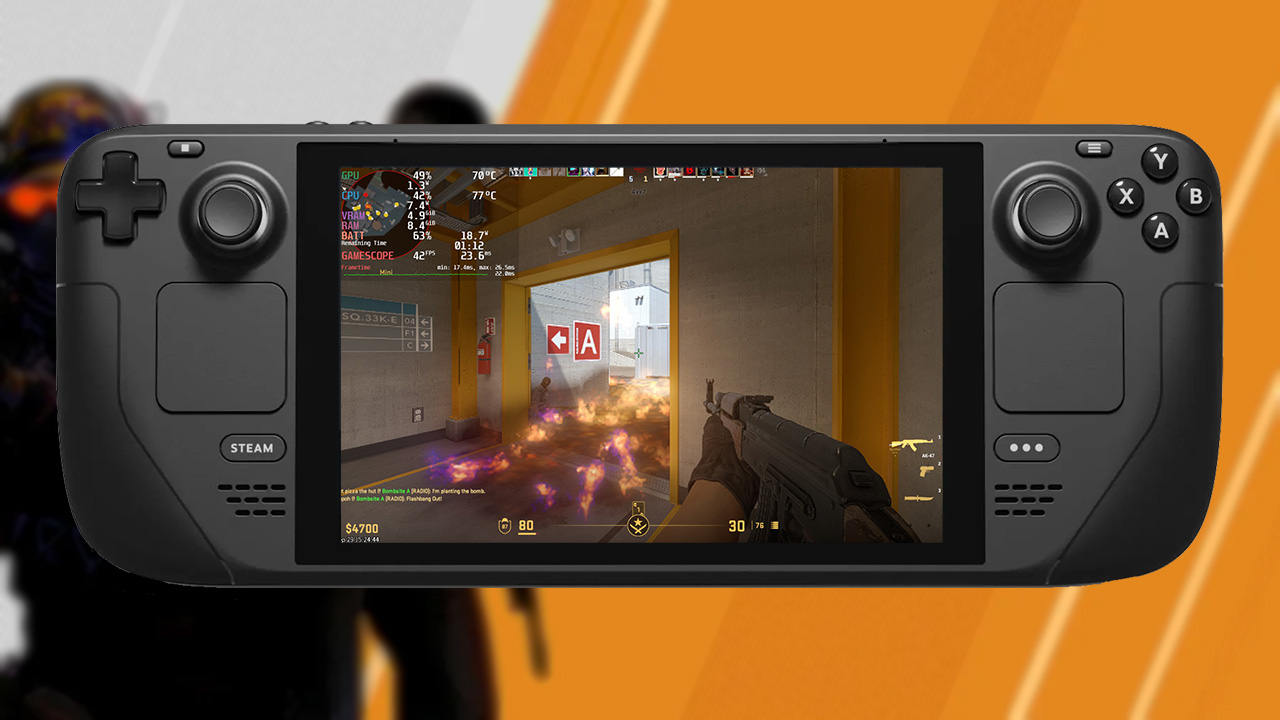
Frame rates on Steam Deck tell the real story of CS2's compatibility. With all settings on low and FSR set to performance mode, the game struggles to maintain consistent frame rates, particularly when player counts increase.
What you'll actually see:
- Light scenarios: 70-80 FPS
- Crowded Deathmatch (20 players): Drops to 40s
- Competitive 5v5: 40-50 FPS during engagements
These drops happen regardless of your graphics settings because CS2 is demanding on hardware, with FPS drops of 30-40 frames during intense scenes, unstable input lag, and frame rate issues on detailed maps or when smoke grenades deploy. The game also drains battery quickly, so expect around 1.5-2 hours of play time at high brightness and performance settings.
The performance issues aren't just about average frame rates either. Shader compilation stutters can freeze the game momentarily when certain actions happen for the first time in a session, though these issues have improved since launch when they were severe enough to make the game nearly unplayable.
Optimal Settings for Steam Deck
If you're determined to play CS2 on Steam Deck, configuration matters. Here's what actually works:
Graphics settings:
- Resolution: Native 1280x800
- All graphics settings: Lowest values
- FSR: Performance mode (marginal gains, but every frame counts)
- Frame rate cap: 60 FPS maximum via Steam Deck quick access menu
System tweaks:
- Adjust TDP (thermal design power) to balance performance against battery life, though lowering it too much will make the already-struggling frame rates worse
- Add launch option -sdlaudiodriver pipewire in CS2's properties to fix audio issues on SteamOS
Don't expect miracles from these settings. They help stabilize performance, but you're still working with limited hardware fighting against a demanding game.
Controller Setup and Alternatives
Since CS2 lacks native controller support, you'll rely entirely on Steam Input for control mapping. The trackpads offer better precision than thumbsticks, and enabling gyro controls set to "As Mouse" provides additional aiming accuracy. Community control layouts exist, but you'll likely need to tweak any preset to match your preferences.
The better solution: Connect a keyboard and mouse through a USB-C dock or via Bluetooth. This transforms the Steam Deck into essentially a low-powered gaming PC, giving you the control precision CS2 demands. It's not exactly portable at that point, but it makes competitive play actually viable.
Is Competitive Play Realistic?
Not really. The combination of inconsistent frame rates, control limitations, and hardware constraints puts you at a significant disadvantage against PC players. Playing competitive matches isn't recommended due to the lack of controller optimization and low FPS on Steam Deck, which can prove costly when split-second reactions determine round outcomes.
What works on Steam Deck:
- Casual modes and private matches
- Aim training
- Deathmatch warmup before switching to your main PC
- Completing daily missions
What doesn't work:
- Ranked competitive play
- Maintaining or improving your rank
- Any scenario where performance matters
The player count directly impacts performance, so modes with fewer active players run smoother than chaotic 20-player lobbies. Sticking to standard competitive player counts (10 total) helps, but you're still looking at frame rates that dip below 60 during action-heavy moments.
Desktop Mode vs. Gaming Mode
CS2 runs in both SteamOS gaming mode and desktop mode. Desktop mode sometimes provides slightly better performance and handles resolution settings more predictably, though the difference isn't dramatic enough to make it mandatory. Some users report more stable frame rates in desktop mode, particularly when using external peripherals through a dock.
One advantage of desktop mode is easier access to launch options and system settings if you need to troubleshoot issues. Gaming mode is more convenient for handheld play, but if you're serious about getting the best possible experience, desktop mode with external peripherals is worth testing.
The Verdict: Can You Play CS2 on Steam Deck?
Technically, yes. Practically, it depends on what you're trying to accomplish.
CS2 on Steam Deck works for casual matches, private lobbies, and completing daily missions when you're away from your main PC. If you need something to pass time between actual gaming sessions, it's functional.
For competitive play, forget it. The frame rate instability, controller limitations, and hardware constraints create too many disadvantages. You can connect external peripherals to improve the experience, but at that point you're just using the Steam Deck as an overpriced compact PC.
The "Playable" rating is technically accurate, but it doesn't mean the experience is good. If you're buying a Steam Deck specifically for CS2, you'll regret it. If you already own one and want to occasionally mess around in casual modes, it'll work with lowered expectations.

发布于 在 CS2